Enter the password to continue.
A unified platform that turns fragmented training operations into a guided journey, from course discovery and approval, to enrollment and progress tracking.
Aventis has been managing its courses, scheduling and coordination with clients and training providers through traditional means, e-mails, spreadsheets and phone calls. As Aventis' business and client base grew, there was a strong urgency to improve the efficiency of course management and communications, so Aventis could keep its commitments to end-users and keep expanding.
HR administrators were struggling to cope with the workload, since current training administration was very manual and time-consuming. Aventis wanted a training management platform that let HR officers manage training and learning for employees org-wide, while also helping individuals enhance their own skills.
The platform needed to:
Technology decision point, Data Fabric.
Design thinking facilitator
Facilitated the design thinking workshop that aligned stakeholders around a business-centric outcome and validated the problem statement.
UX & interaction designer
Built interactive prototypes and wireframes, defined use cases end to end, and ran usability studies, planning and gathering feedback through user interviews and online surveys.
Visual designer
Translated validated requirements into style guides, graphic assets, icons, design patterns and pixel-perfect interfaces.
Confirmed the executive sponsor and product owner, and determined which domain use cases to focus on, initiative exploration, vision definition, opportunity canvas and opportunity statement.
Understood the user's as-is journey and top pain points, and explored technical areas of interest and non-functional requirements, security, integration, edge and more.
Identified a series of MVPs, defined the hypothesis to be tested, and surfaced risks, assumptions and UX/UI requirements through big ideas, prioritisation and a to-be scenario.
Defined a secure minimum viable architecture that mitigates risk, crafted user stories, refined MVP scope, and validated dependencies through user flows and prototyping.
Tested the hypothesis via a learning-driven production release against the stated business outcome, and developed the UI components enabling specific user requirements.
Iterated across multiple MVPs, refining the solution until the stated business outcome was achieved.
Design thinking workshop. A workshop I facilitated clarified the requirements, the target users, and the scope of the MVP as the outcome IBM and Aventis agreed on. It left us with a clearer picture of the solution to build and the priorities to focus on.
Data discovery session. Building an AI-driven platform meant first exploring Aventis' existing data, surfacing the limitations and possibilities for the recommendation engine. Most of it turned out to be unstructured and unlabelled, so automated labelling became a necessary part of the IBM solution.
IBM and Aventis co-created and co-executed the MVP in an agile scrum manner, proving the AI-Powered Training Management System could:
Beyond the benefits to users, Aventis also gained a standardised, automated data collection pipeline.
40, with a wealth of experience as a human resource manager. She holds a bachelor's degree and is in charge of training and development for the whole company.
"I struggle to cope with the workload as current training administration is very manual and time-consuming. How can I book course(s) for my employees to overcome these challenges and the workload?"
She needs the course-finding and booking process to be faster and more effective, and support to reduce her workload and streamline her day-to-day schedule.
Sourcing, finalising, registering with Aventis, informing employees, preparation, tracking and post-training activity, every step ran through email threads and spreadsheets, with Sharon coordinating manually across trainers, management approval and her own team.
Top pain points
How might we…
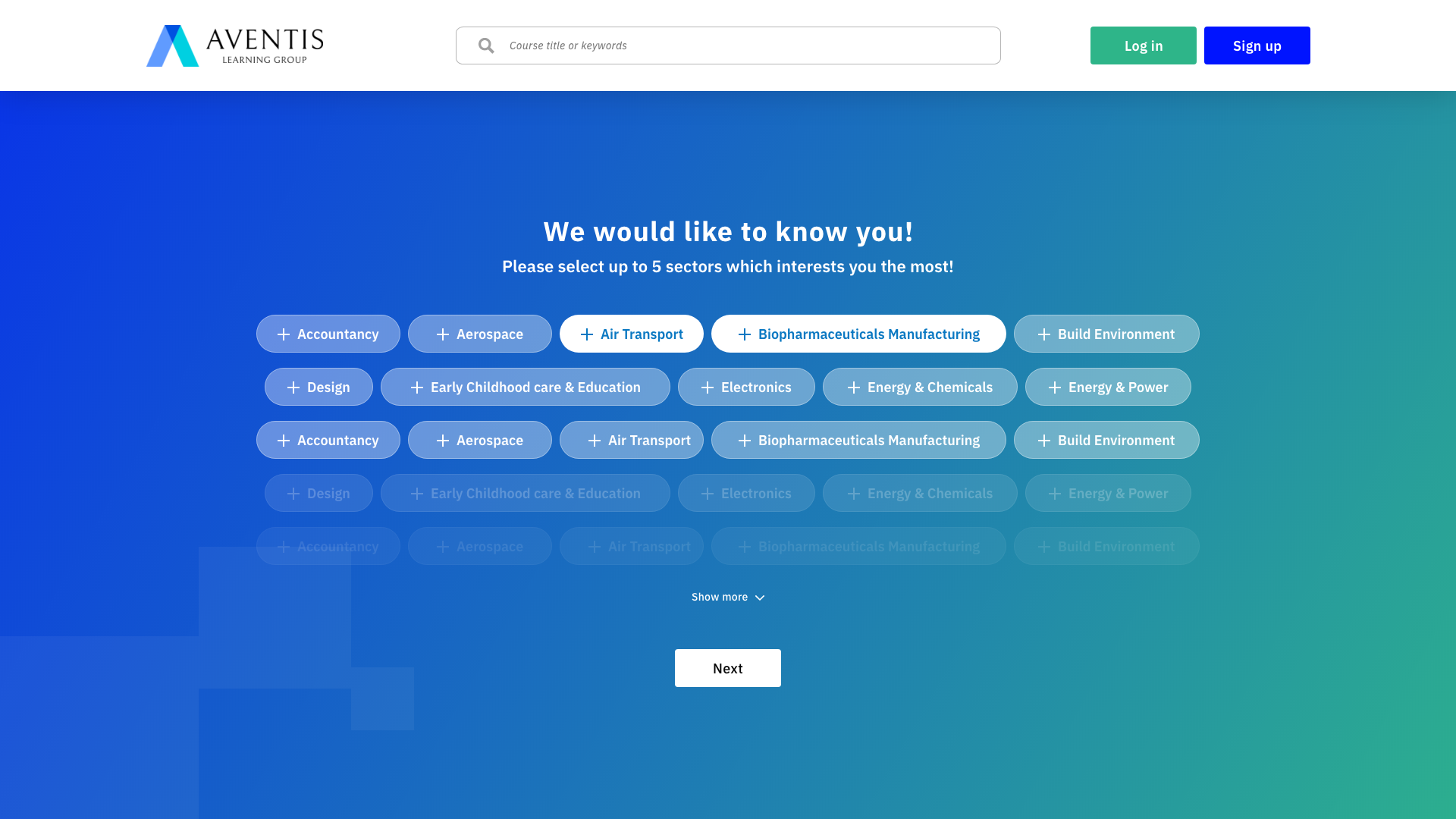
Magic Pot (AI)
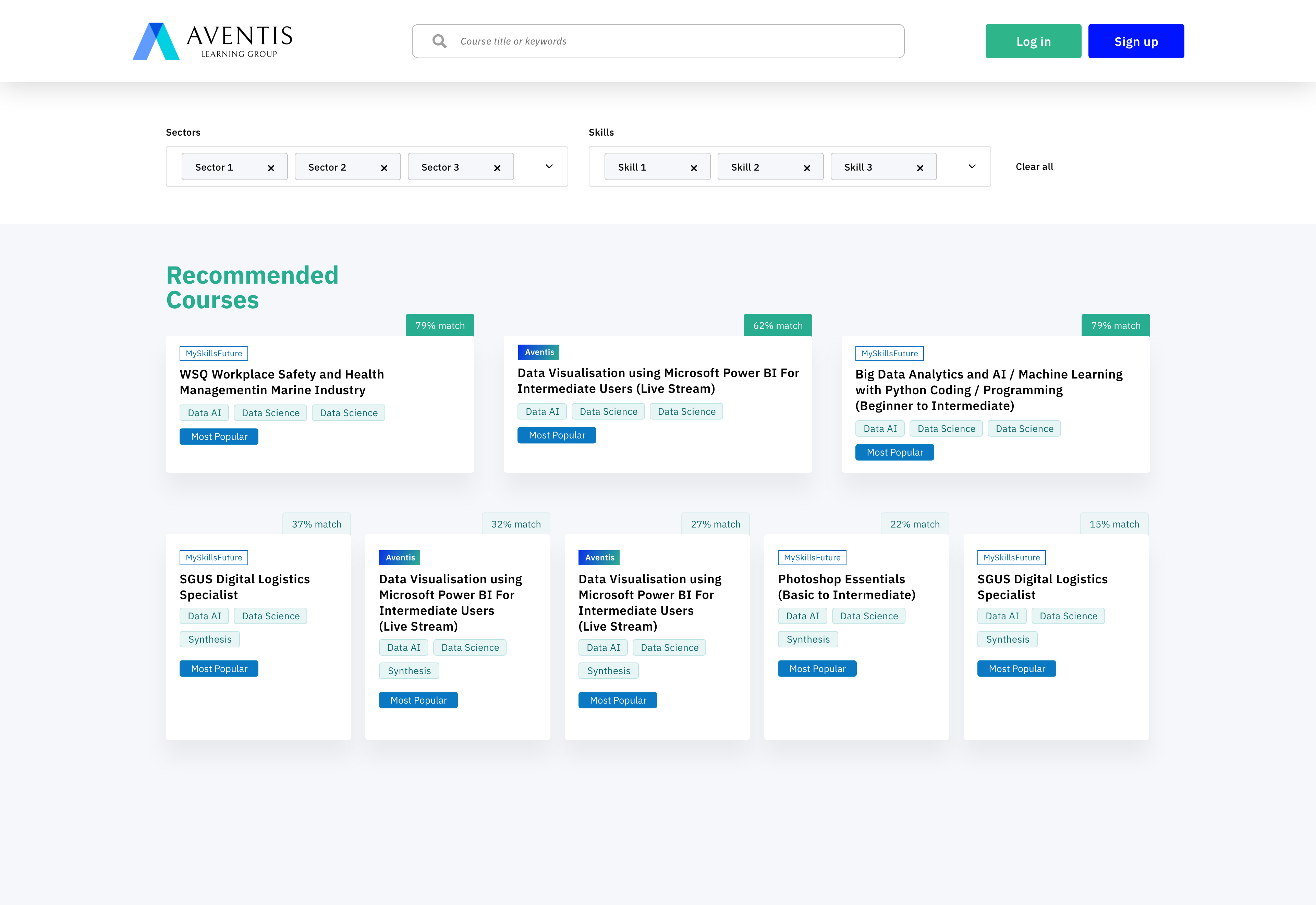
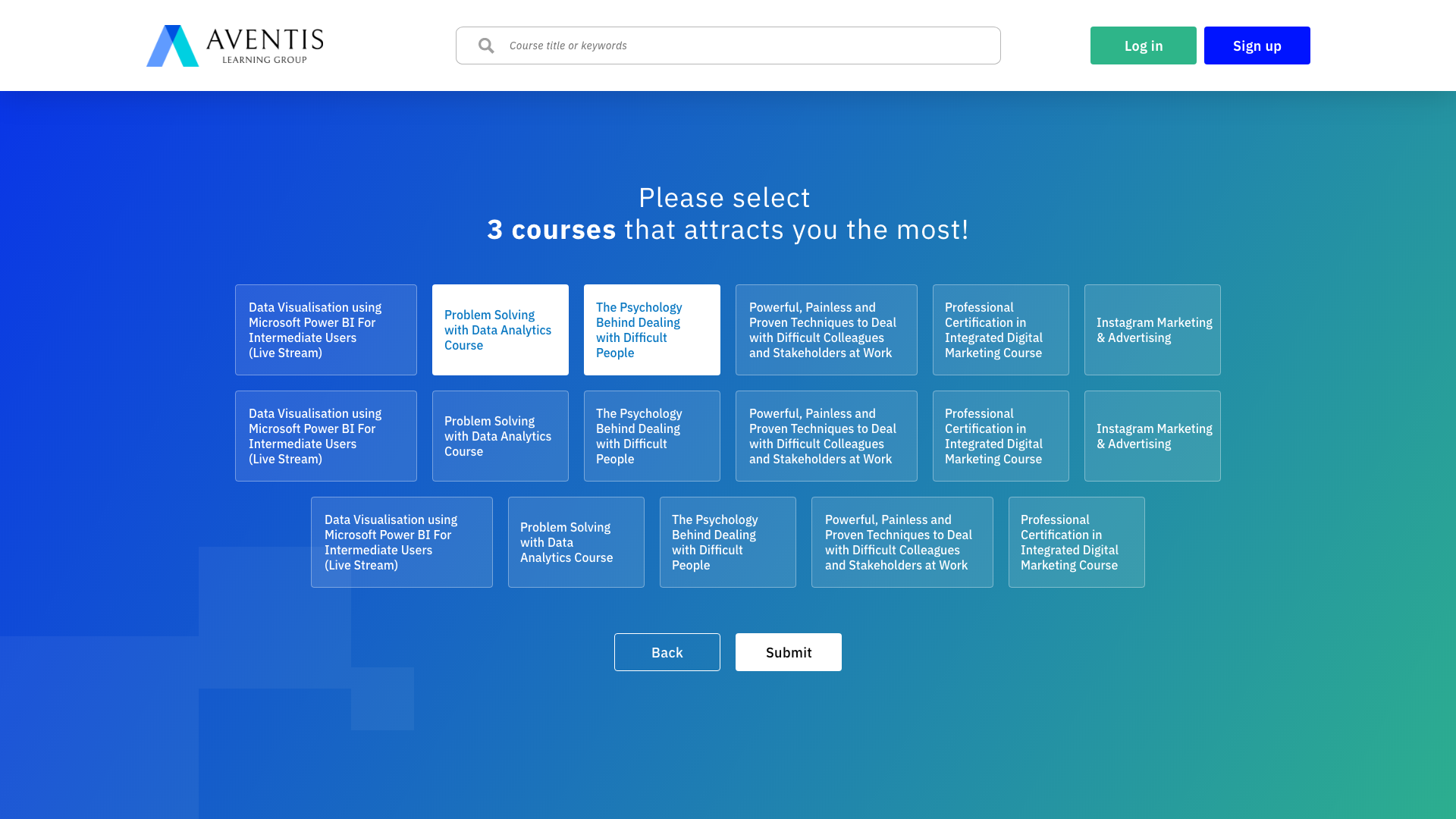
An AI solution to find the right course based on topics, availability, budgets and competency frameworks.
User journey map
A virtual map of the training courses an employee has taken, mapped against job scope, a skills radar and KPIs.
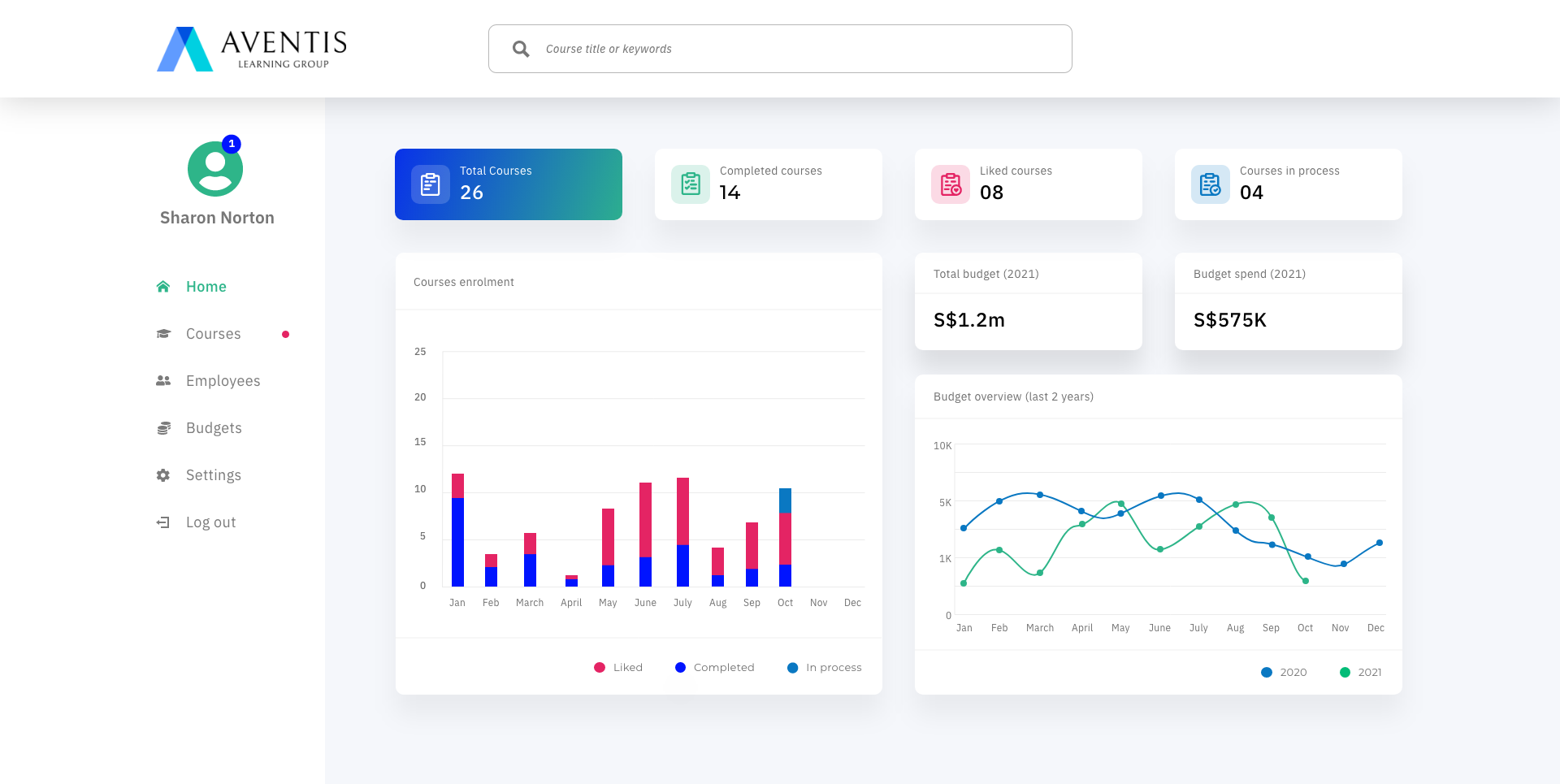
Dashboard view
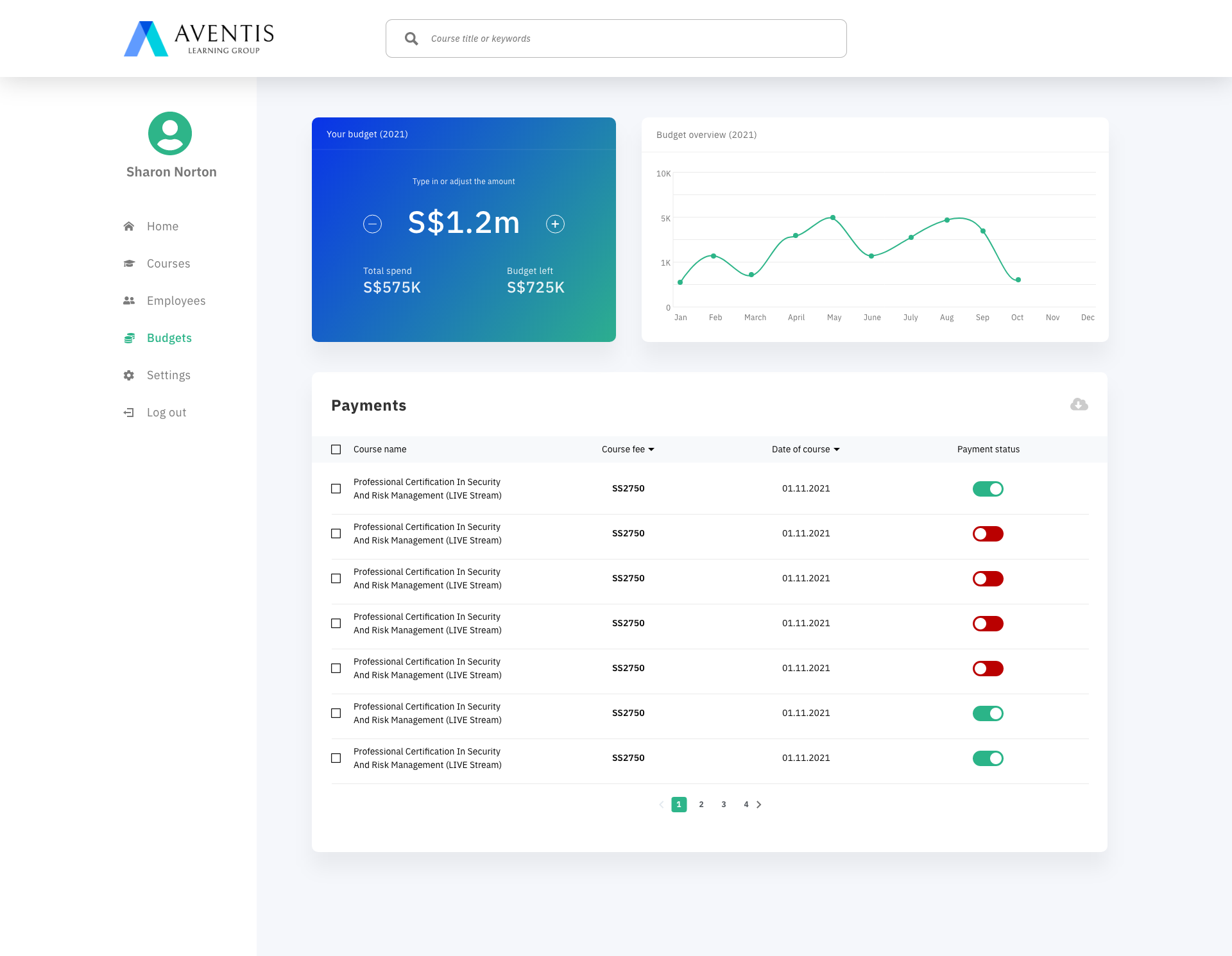
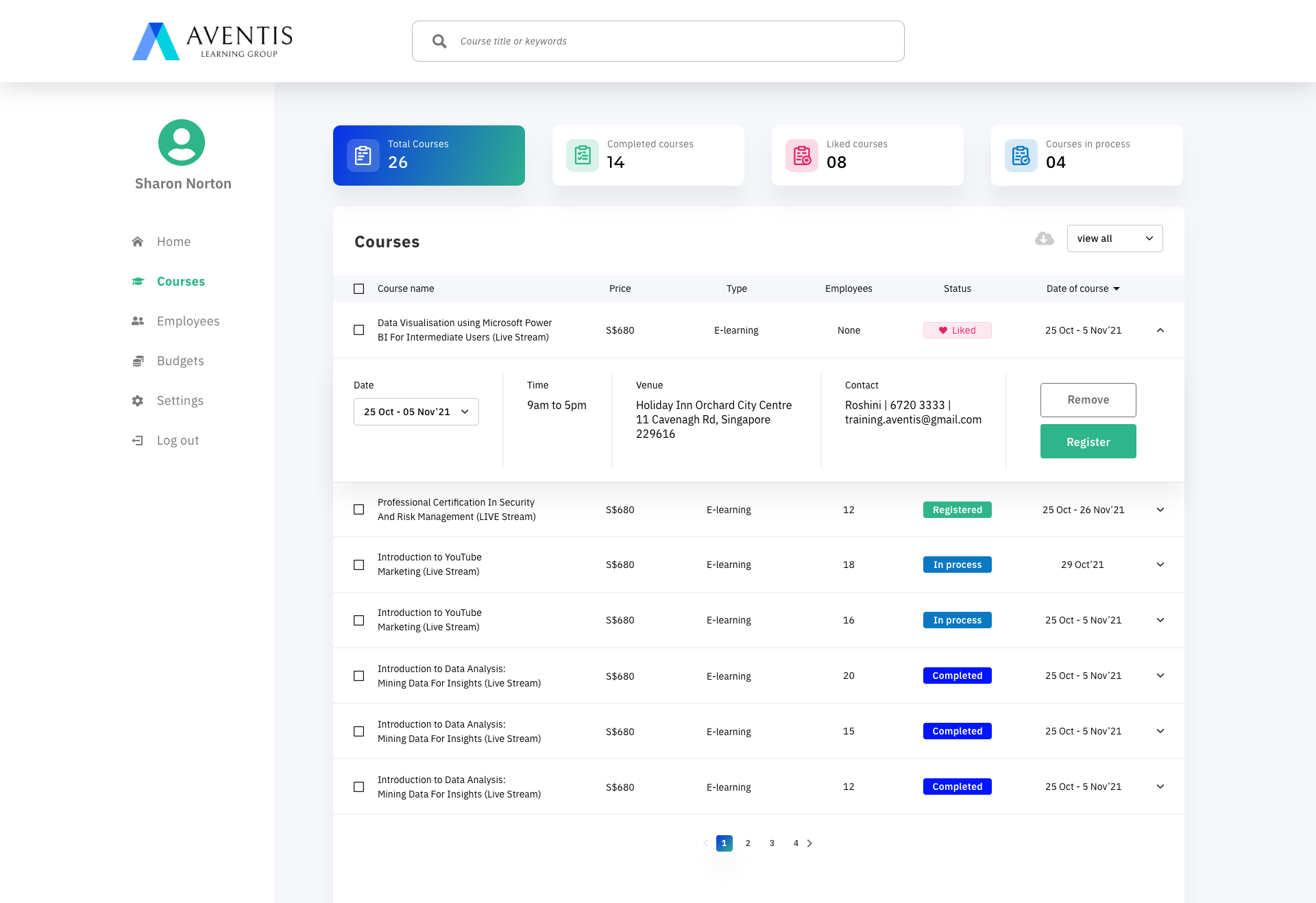
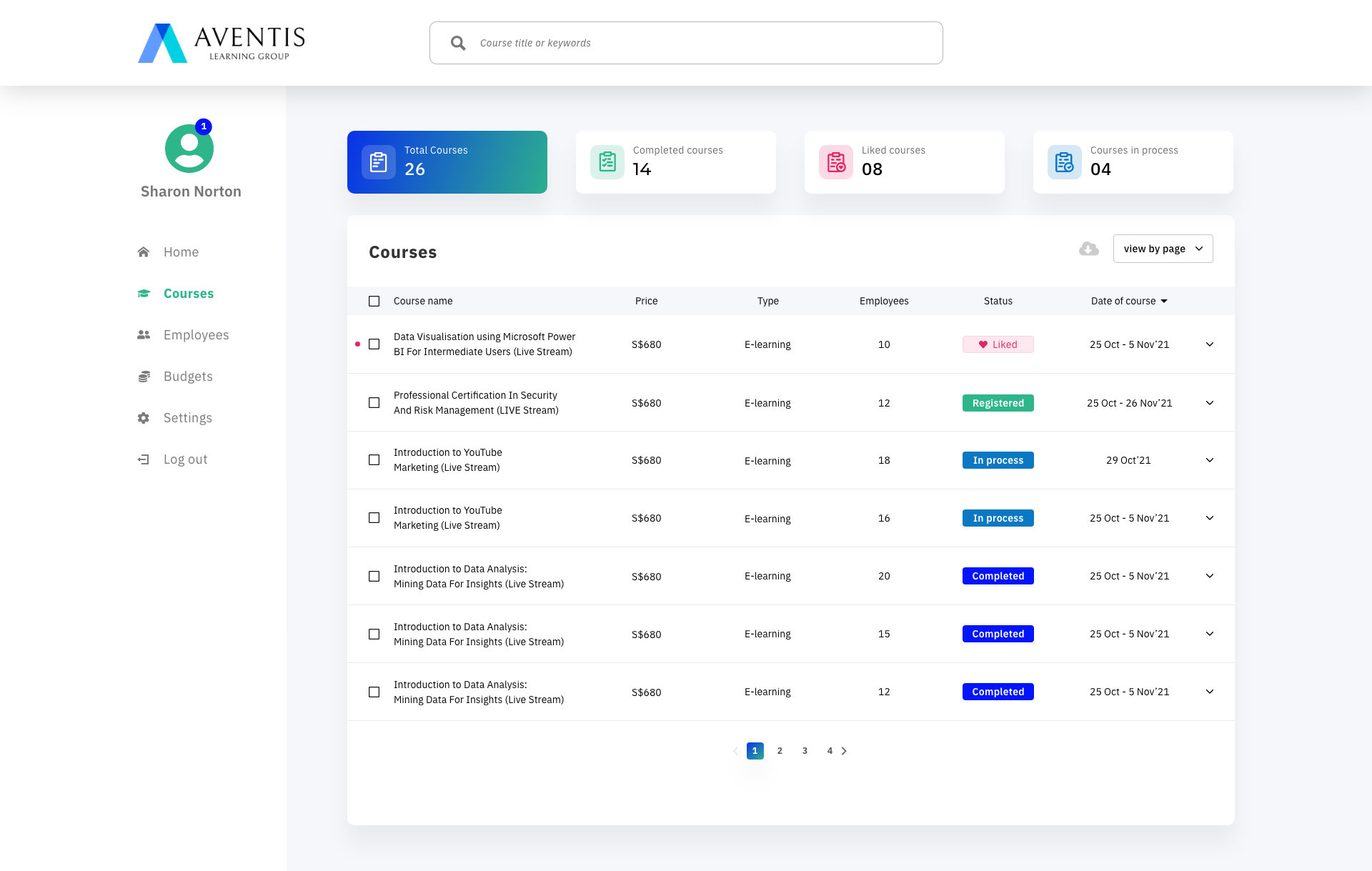
An interactive, easy-to-access dashboard to review past trainings, budgets, enrolled courses and invoices.
Sharon lands on the Aventis website looking for a training provider. The Magic Pot AI recommendation helps her find a course suited to her requirements, and she registers and books her interest.
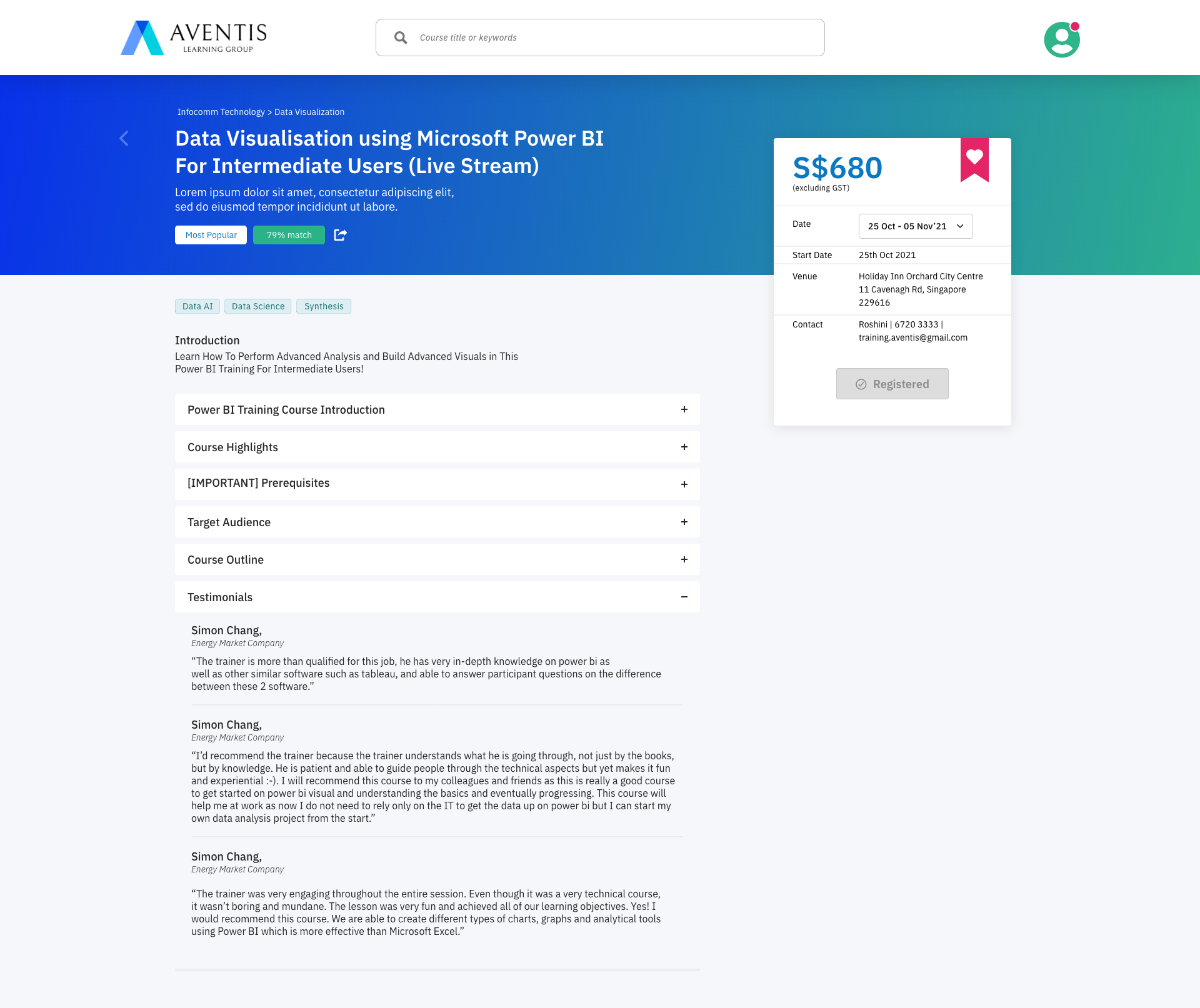
She receives an email with a course summary, the trainer's profile and background, and a link to book and pay, which she forwards to her management for approval.
Once approved, she books and pays for the course. Her Aventis profile now has a dashboard showing payment status, budget utilised, course timelines and training status.
"A human resource leader will have an improved admin experience to reduce the steps and time taken to find and book the right course by 50%."
We assume that…
If this is not true, then…
We prioritised assumptions first by how known or unknown they were to us at the time, and second by how much impact each assumption and risk would have on the success of the solution, plotting them across a known/unknown, high/low-impact matrix to decide what to validate first.